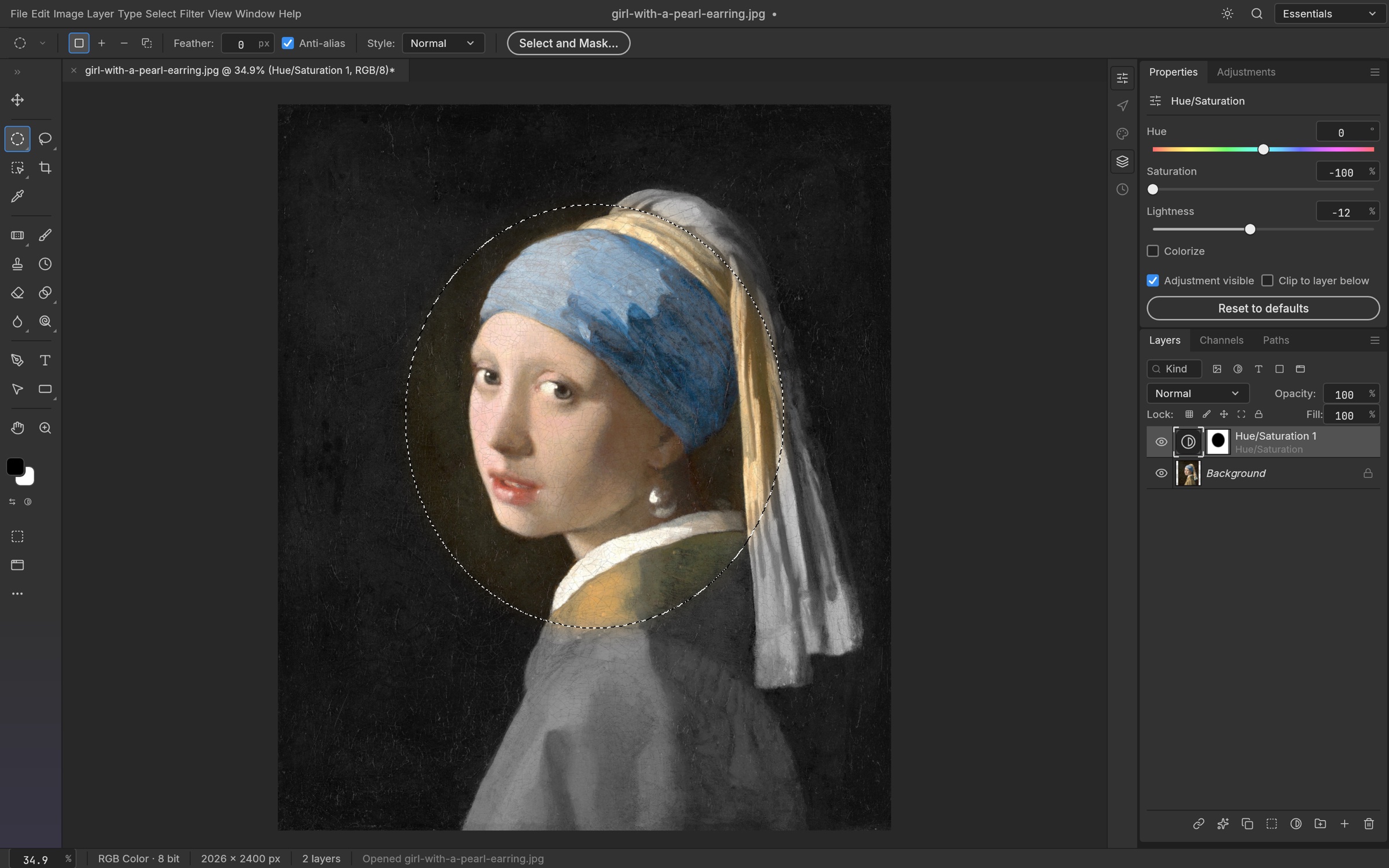
What does “PSD support” actually mean?
PSD support can describe very different things: showing a flattened preview, reading layers, keeping text editable, or writing a file that Photoshop can reopen without losing structure. An editor can do one well and still fall short on another. Ask which operation you need before comparing products.
This is a testing checklist, not a compatibility verdict for the editors on our shortlist. We have checked their public product information, but have not run this experiment in those applications. A result should identify the exact build, operating system and file used.
01 / Keep a useful original
Duplicate a real, legally usable document and leave the original untouched. Include the fonts and linked assets you are allowed to use. A minimal file can diagnose one issue, while a representative production file tells you whether the complete task works.
- Record the editor version, OS, hardware, document size and color mode.
- Write down the task: inspect, edit text, retouch, deliver a layered PSD, or export a final image.
- Create a reference image from the original application for a visual comparison.
02 / Check rendering before editing
Compare the opened document with the reference at the same zoom. Look at text placement, clipping masks, blend modes, adjustment layers, shadows and stroke edges. A thumbnail can hide a shifted object or a missing effect; inspect several detailed areas.
Record visual changes separately from editing limitations. A file may look correct because a layer was rasterized, which is acceptable for some exports and unacceptable for a reusable template.
03 / Try the objects you need to change
Change a word inside a text layer, adjust a mask and modify an effect. For a smart object, check whether you can reach its content rather than merely transform its flattened appearance. Fonts that are absent on the test machine are a separate variable; record substitutions instead of blaming every layout change on the editor.
- Text: editable characters, font substitution, spacing and wrapping.
- Layers: groups, ordering, visibility, clipping and masks.
- Objects and effects: preserved structure, editable settings, and any conversion notices.
04 / Treat color mode as its own test
RGB 8-bit, RGB 16-bit and CMYK are different requirements. An application may import a document by converting it to a supported mode. That is not the same as preserving native editing in the original mode. Check the mode after opening and again after saving.
For print or high-bit-depth photography, inspect profiles, conversion prompts and the receiving application’s output. Patchy’s documented RGB/RGBA 8-bit scope is an example of a boundary that should influence the shortlist before the test begins.
05 / Finish the round trip
Save the edited document under a new filename. Close it, reopen it in the alternative editor, then open that saved file in Photoshop or the application receiving the handoff. Check both appearance and structure again. Exporting a correct PNG does not establish that the saved PSD is reusable.
A useful conclusion is specific: “The text and mask edit survived in this file on this version, but the smart filter was flattened.” A universal percentage or a single “compatible” tick hides the decision you actually need to make.
Recording PSD compatibility results
Keep the original, the saved result, screenshots and a short action log. Distinguish a vendor claim from your observation, and distinguish a failed feature from something you did not test. Revisit the result when the application or a critical requirement changes.
Official sources
Source-checked 2026-10-10. Consult the publisher for changes after that date.