What did we test?
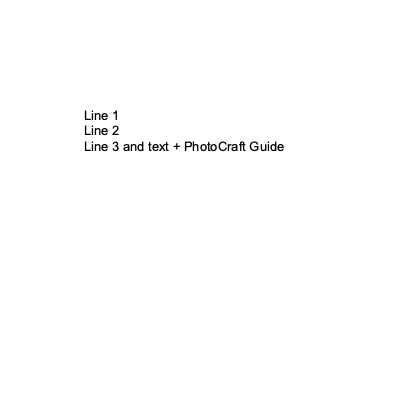
We used the official signed Mac app CLI with isolated settings and --headless --export. Each input was exported separately to PNG and PSD; the text PSD save used --append-text to add “ + PhotoCraft Guide”. The independent psd-tools parser then compared layer names, kinds, mask flags, effect counts and document bit depth.
Fixtures come from the MIT-licensed psd-tools test corpus at commit b58704c1c9c9; parser version 1.24.0. The app download SHA-256 matched the release checksums. Input and output SHA-256 values are recorded in the results JSON.
File-by-file results
| Fixture | Input structure | Saved-file check | Input / output |
|---|---|---|---|
| Pixel layers2layers.psd | 101×55 · 8-bit · 2 layers | Matching records and bit depth retained | Input PSD ↗ Saved PSD ↗ Unedited PNG export ↗ |
| Editable texttext.psd | 400×400 · 8-bit · 2 layers | Matching records and bit depth retainedAppended text retained in a type layer | Input PSD ↗ Saved PSD ↗ Unedited PNG export ↗ |
| Layer mask and shapemask.psd | 100×150 · 8-bit · 3 layers | Matching records and bit depth retained | Input PSD ↗ Saved PSD ↗ Unedited PNG export ↗ |
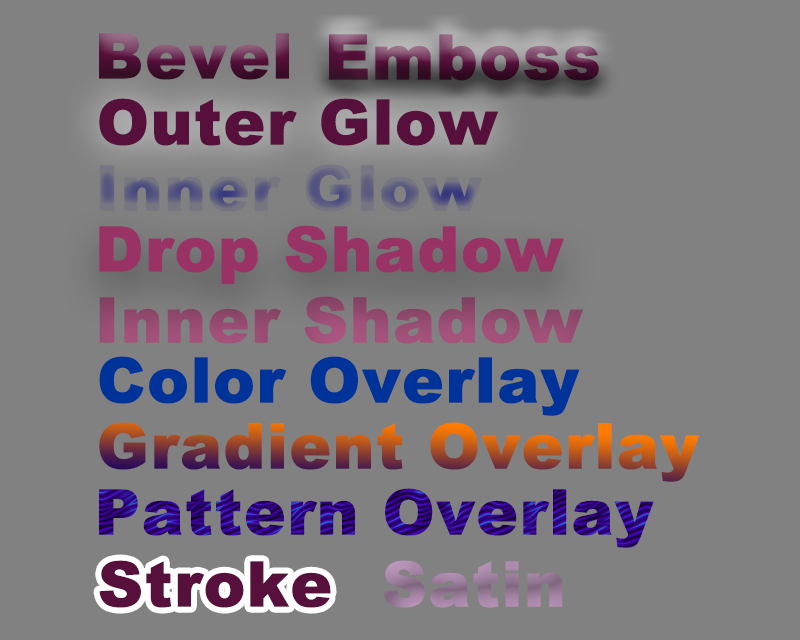
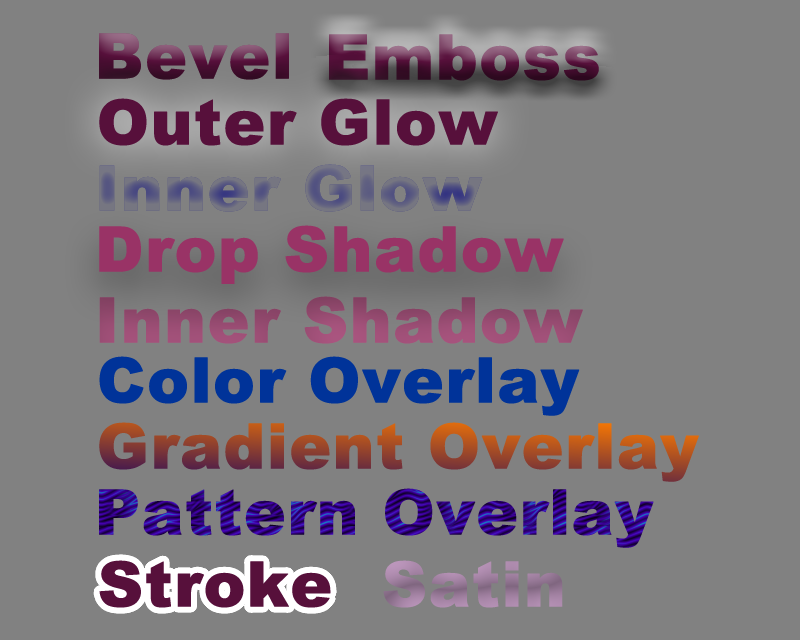
| Text and layer effectslayer_effects.psd | 800×640 · 8-bit · 12 layers | Matching records and bit depth retained | Input PSD ↗ Saved PSD ↗ Unedited PNG export ↗ |
| Smart Object recordsplacedLayer.psd | 256×256 · 8-bit · 4 layers | Matching records and bit depth retained | Input PSD ↗ Saved PSD ↗ Unedited PNG export ↗ |
| 16-bit RGB · 5×516bit5x5.psd | 5×5 · 16-bit · 3 layers | Matching records and bit depth retained | Input PSD ↗ Saved PSD ↗ Unedited PNG export ↗ |
| 32-bit RGB · 5×532bit5x5.psd | 5×5 · 32-bit · 3 layers | Matching records and bit depth retained | Input PSD ↗ Saved PSD ↗ Unedited PNG export ↗ |

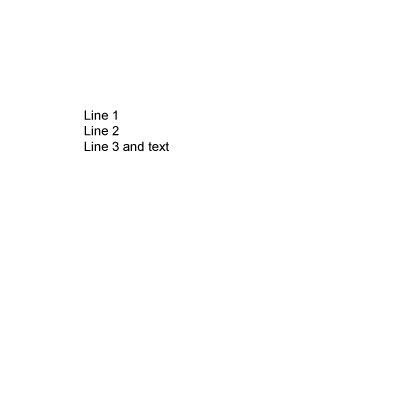




Preview comparison and text-edit evidence
The left image is the merged preview stored in the input PSD; the right is the Patchy CLI PNG export. Input files can contain cached pixels, so this is not a benchmark with caches removed. The effects fixture has an RGB mean absolute difference of 0.5761 on a 0–255 channel scale; this is not a compatibility percentage or score.
What remains untested?
- Photoshop reopen: Photoshop was unavailable, so its rendering and further editing remain unverified.
- Complex production files, font fidelity, linked-asset relinking, editing Smart Object sources, masks and effects. Retained records do not establish these operations.
- High-depth sample-value fidelity, native CMYK/Lab editing, performance and the browser edition. Two 5×5 fixtures only establish saved bit-depth fields. PNG comparisons use 8-bit RGB previews.
- Photon Studio, PhotoSuite, Photopea and other editors have not run these fixtures here; this does not support a cross-editor ranking.
How to reproduce
Download the reproduction script and the seven input PSDs into one folder. Install psd-tools and Pillow in an isolated Python environment, then run the command below with the official Patchy 1.08 executable path. The script checks input hashes and writes new outputs to a separate folder without overwriting inputs.
python3 reproduce.py --patchy /path/to/Patchy --inputs . --output ./rerun